
Free Ice Rose Video Effect
Use the Ice Rose Effect to create a frozen rose that forms around your subject. Upload your content and watch shimmering frost gather and bloom into a crystal flower.
Create Ice Rose Effect Videos
Upload a start or end frame and a frozen rose forms around your subject. Add optional frames, choose the duration and quality, and generate an Ice Rose Effect clip.
This Ice Rose workflow fits creators who need a frost clip without manual VFX or long render times. It works best when speed, consistency, and repeatable output matter at once.

Brand creators can use this to add frost moments to promos or social tips. The result feels quick to produce and polished enough for daily posting and campaign reference.

Content creators get a cleaner Ice Rose workflow without turning revisions into frame-by-frame edits. They can test prompt changes and timing while keeping the bloom easier to repeat.

Social teams can carry one Ice Rose style across launch cuts and campaign variants with less drift. That makes approvals faster when several people need the same frost look in each edit.
How the Ice Rose Effect Works
The Ice Rose workflow stays short enough for fast tests but structured enough for repeatable output. You upload a frame, add optional frames, and set output controls before the model builds the bloom.
Step 1
Upload Frame
Upload a start or end frame with a clear subject. AI reads the scene to drive the frozen rose formation. Add an optional end frame when the clip needs a precise landing pose.
Step 2
Set Bloom
Describe the Ice Rose style, speed, and timing so the effect reads clearly on screen. Strong prompt detail makes the crystal bloom easier to steer across mood and pace.
Step 3
Pick Output
Choose model, duration, and quality settings that match where the clip will be published. That keeps test renders quick while leaving room for cleaner finals once the direction is approved.
Control the Ice Rose Video Effect
These controls keep Ice Rose output flexible for experiments and stable for delivery. Each helps creators steer bloom, crystal accuracy, and repeatable output without dragging the workflow out.
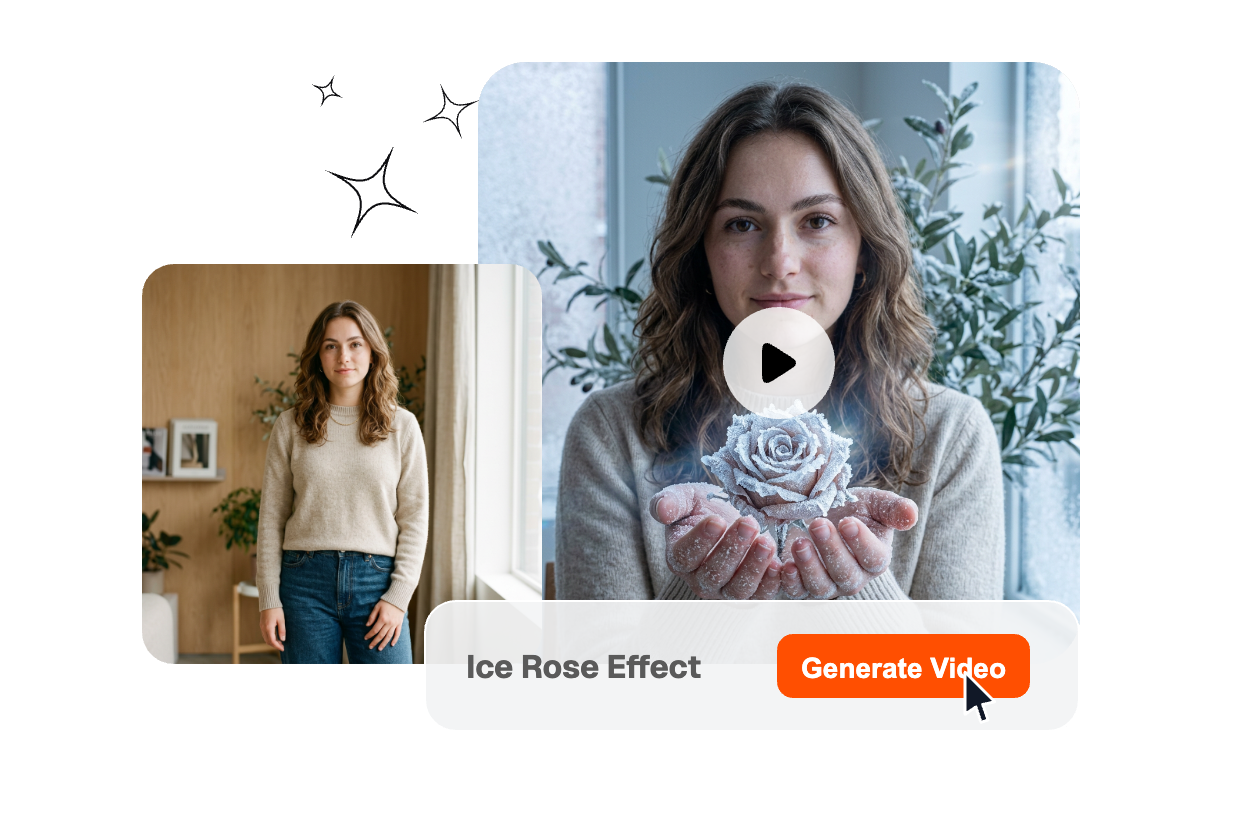
Frame Anchor
Your start or end frame guides how the frozen rose forms. This gives the effect enough structure for a natural bloom while still allowing variation in style and speed.
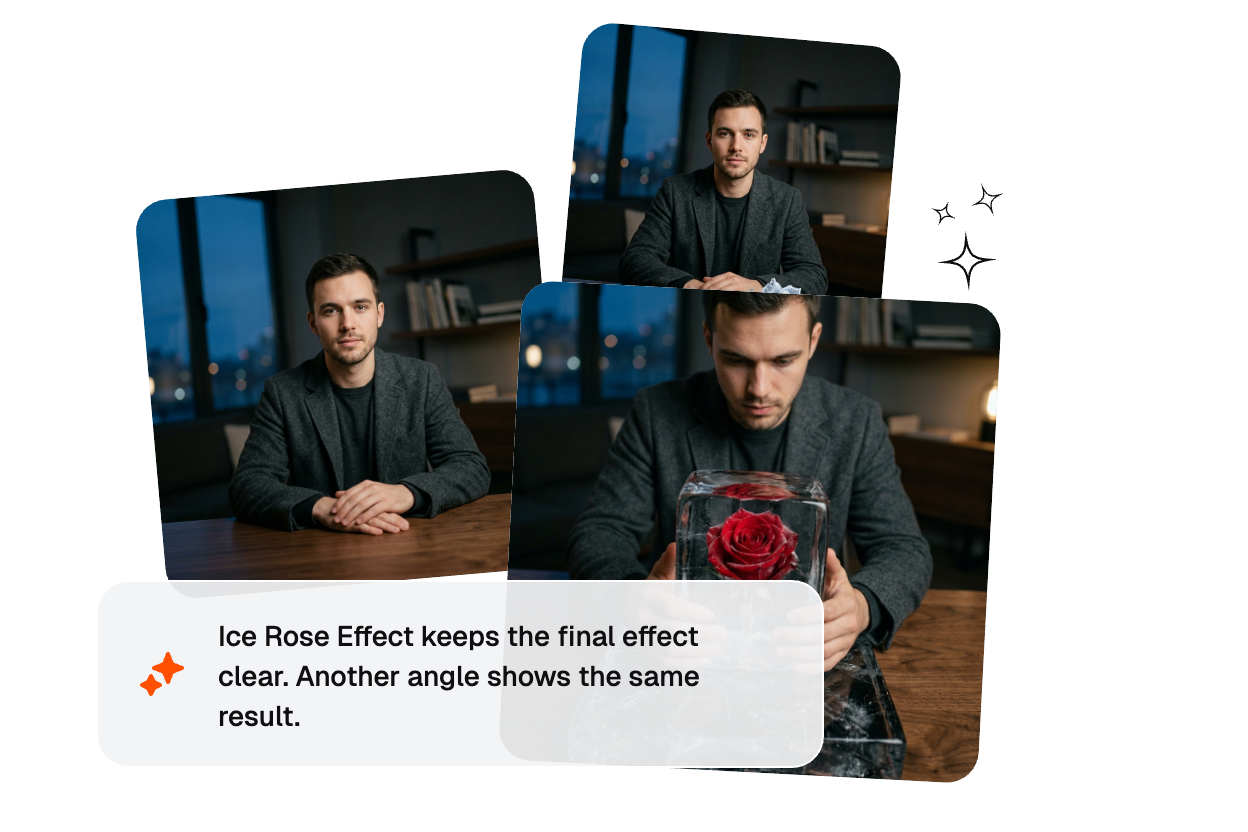
Bloom Direction
With the Ice rose effect, you can work from a start frame, an end frame, or both. This keeps the crystal path controlled for accurate landings while allowing the motion to vary naturally.
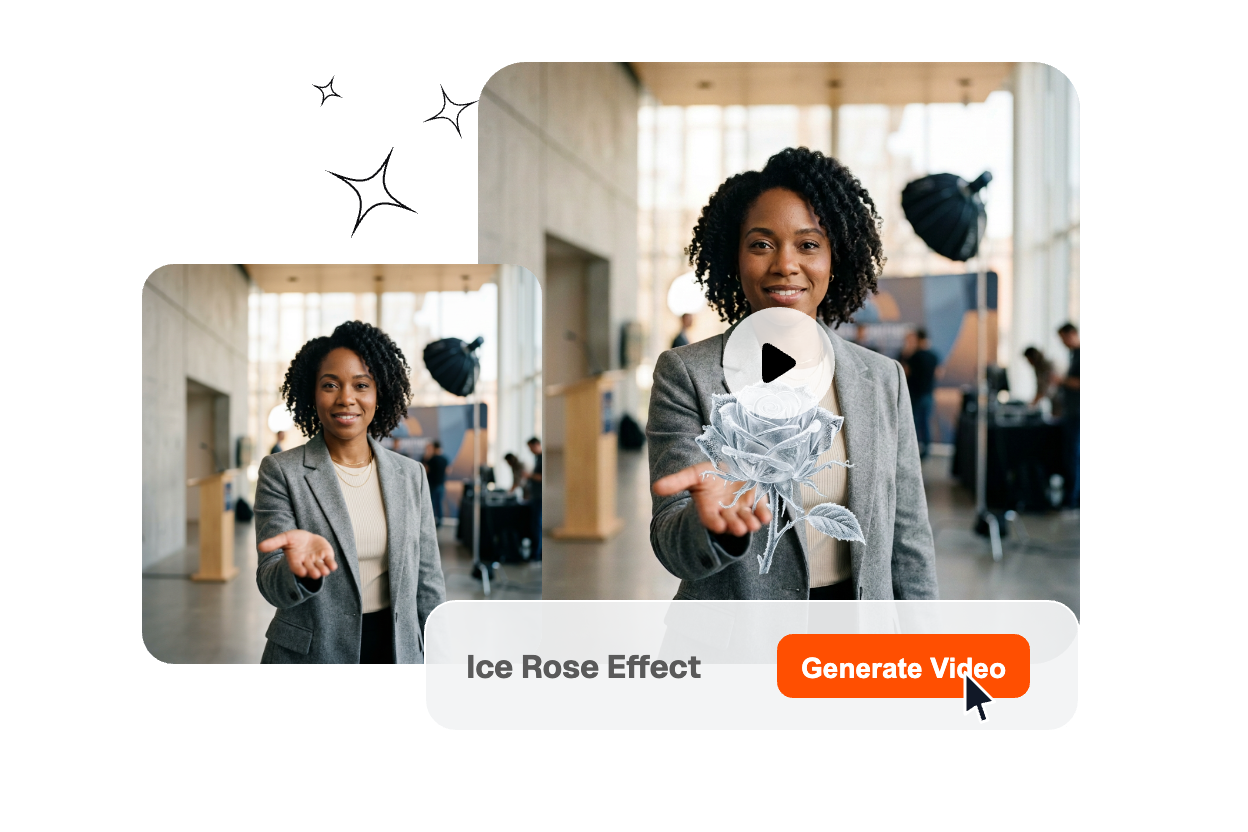
Render Presets
Each Ice Rose clip can be adjusted to fit different publishing needs, from quick concept tests to polished final releases. Teams can refine and improve the same idea step by step instead of rebuilding the scene from scratch.
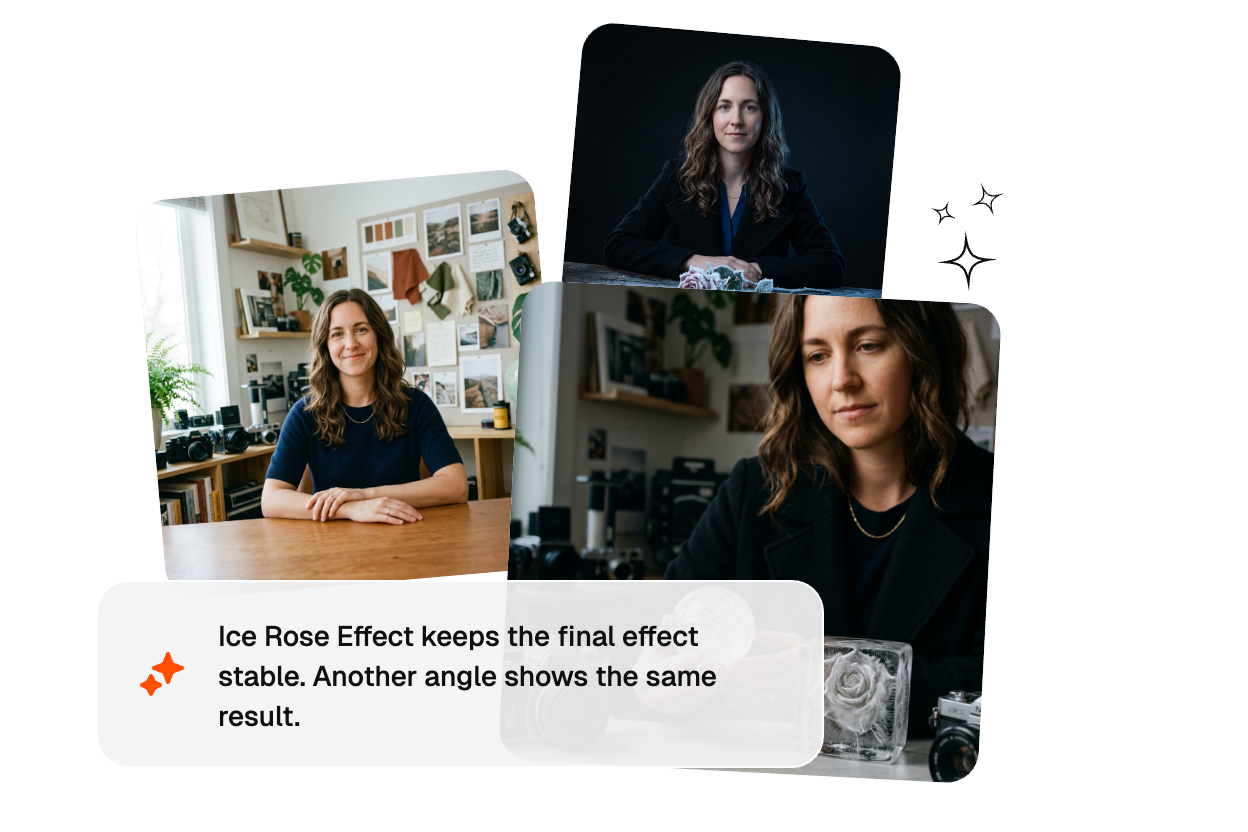
Batch Flow
Veme AI keeps the Ice Rose workflow lightweight, making it easy to test and compare different prompts and frames. Creators can review more ideas early without adding extra cleanup steps.
Ice Rose Effect FAQ
What is an Ice Rose Effect in AI video?
An Ice Rose Effect turns a frame into a frozen rose crystallizing around your subject. AI generates the bloom with frost and crystal detail. It works best when the bloom path and timing stay easy to read. You can try a free Ice Rose Effect or AI transition free trial to test it.
Can I make this effect from only one frame?
Yes. You can build the Ice Rose bloom from only a start frame, then add an end frame when the clip needs a precise landing. That approach is useful for a quick promo or early concept testing. Frame guidance matters more when the next shot must land exactly.
Where does this Ice Rose video effect work best today?
The format works well for Ice Rose Movie clips, Frozen Rose video reels, and other short content that needs a visible frost cue. Ice Rose AI Effect and Ice Rose Motion both fit promos and reels because the bloom feels cinematic instead of overly digital. A clear bloom path usually makes the trend easier to repeat.
Can I use Ice Rose templates as a starting point?
Yes. Creators often test a free Ice Rose Video Effect template first, then rebuild the bloom with more control in AI. That gives you a faster benchmark without locking the final result to one stock pattern. It is a practical way to compare speed against flexibility.
How do I make the frozen rose bloom feel better?
Describe the Ice Rose bloom with clear speed, style, and timing so the clip feels intentional. If you want an effect that reads as the best Frozen Rose video for your brand, keep the bloom size and camera distance consistent. You can test different presets to see which bloom feels more natural.
Veme AI helps teams move from frame to publishable Ice Rose content without heavy manual cleanup.