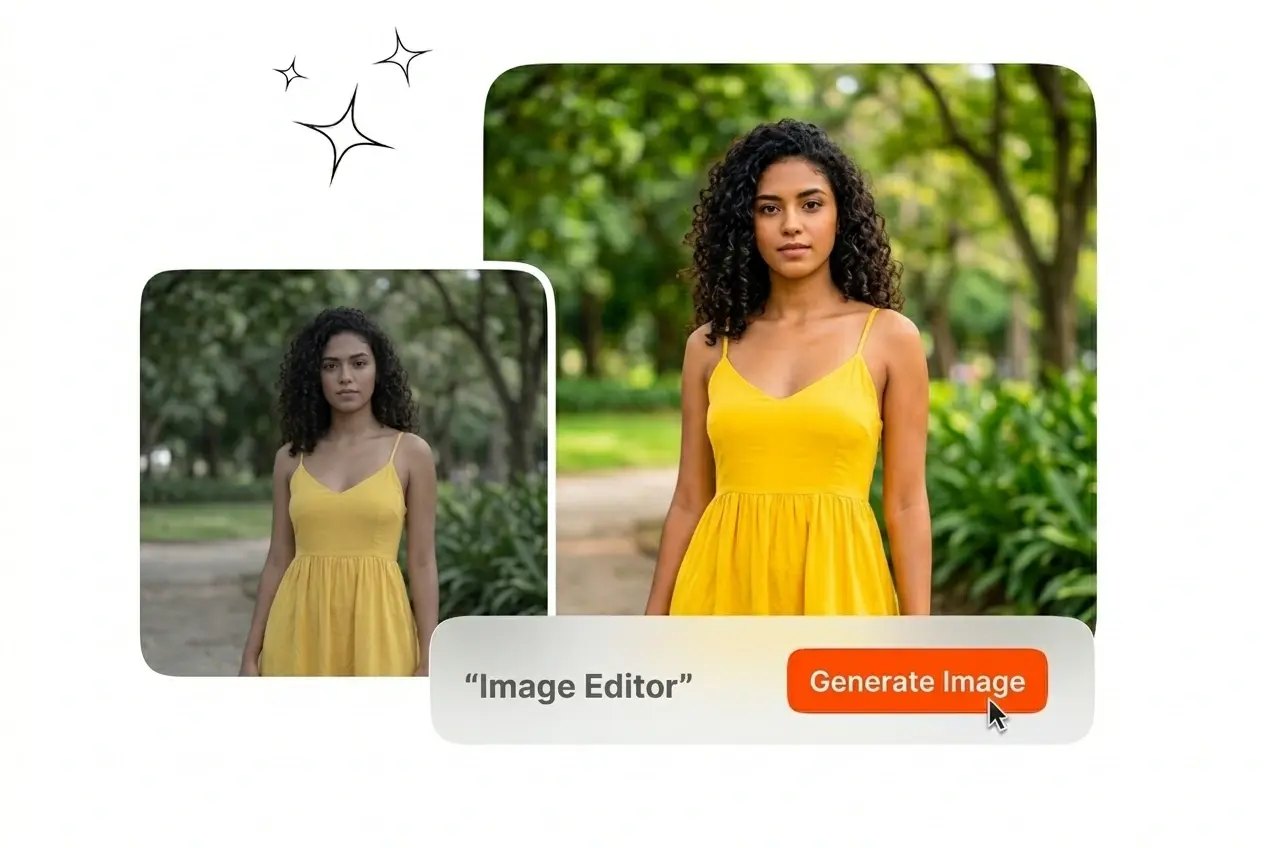
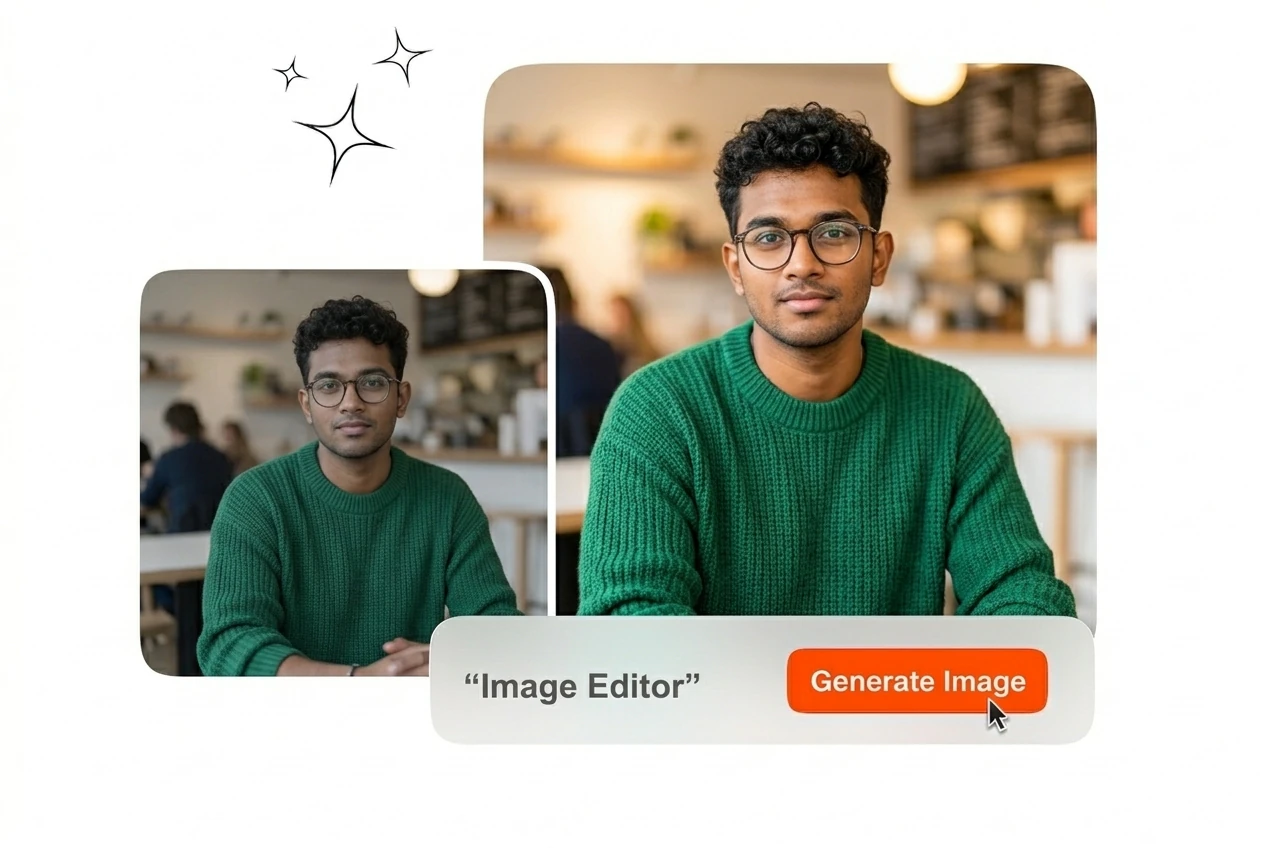
Trình chỉnh sửa ảnh miễn phí

Mở trình chỉnh sửa ảnh này để điều chỉnh bố cục và áp dụng các phong cách hình ảnh cụ thể. Hình ảnh tham chiếu độ phân giải cao sẽ mang lại kết qu�� xuất bản cuối cùng chính xác nhất.

Banner preview

Trình sửa ảnh chuyên nghiệp cho các tài nguyên hình ảnh

Veme AI cung cấp Trình sửa ảnh trên trình duyệt cho quy trình làm việc hàng ngày của bạn. Tải lên ảnh tham khảo, điều chỉnh bố cục và xuất bản thiết kế cuối cùng.

Image Editor Veme AI hero workspace showcase
Quy trình làm việc với Trình sửa ảnh dành cho Đội ngũ Sản xuất

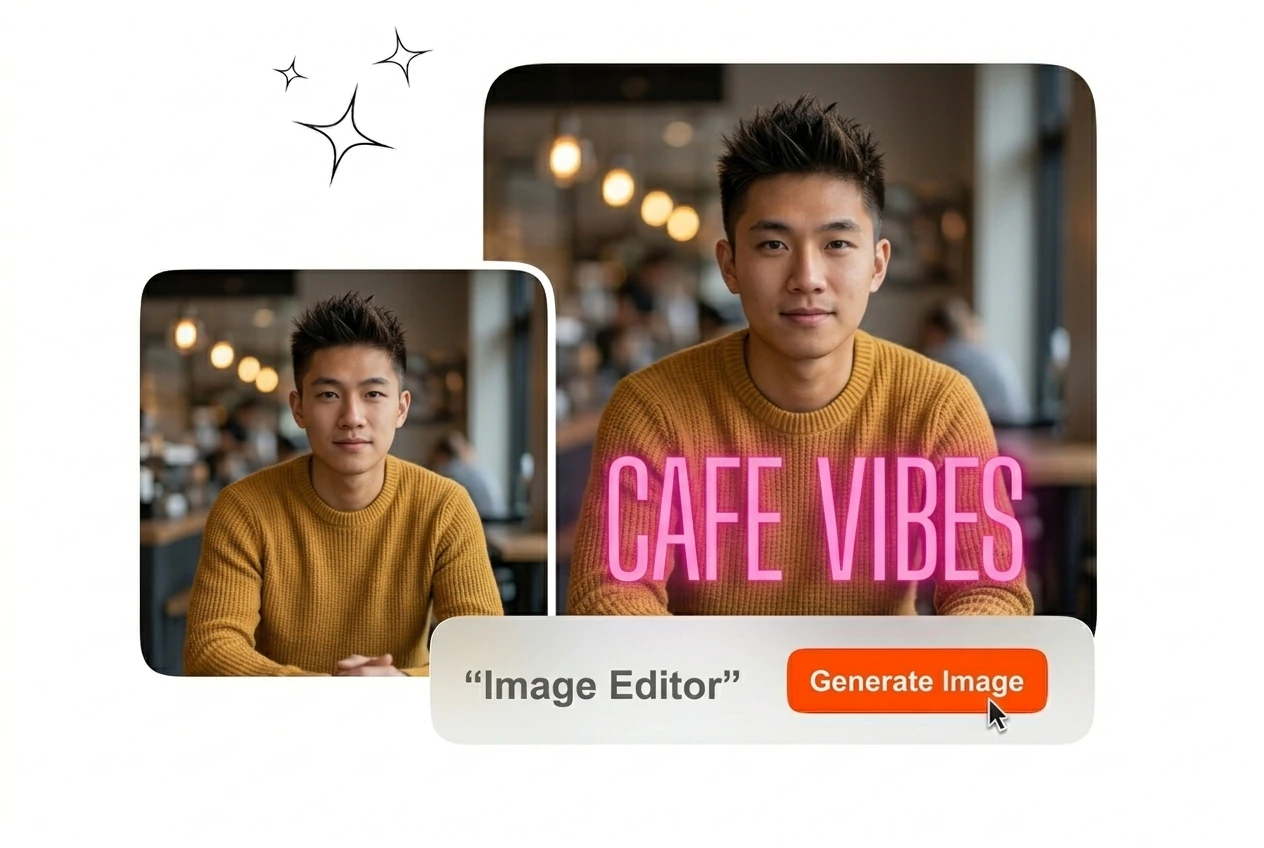
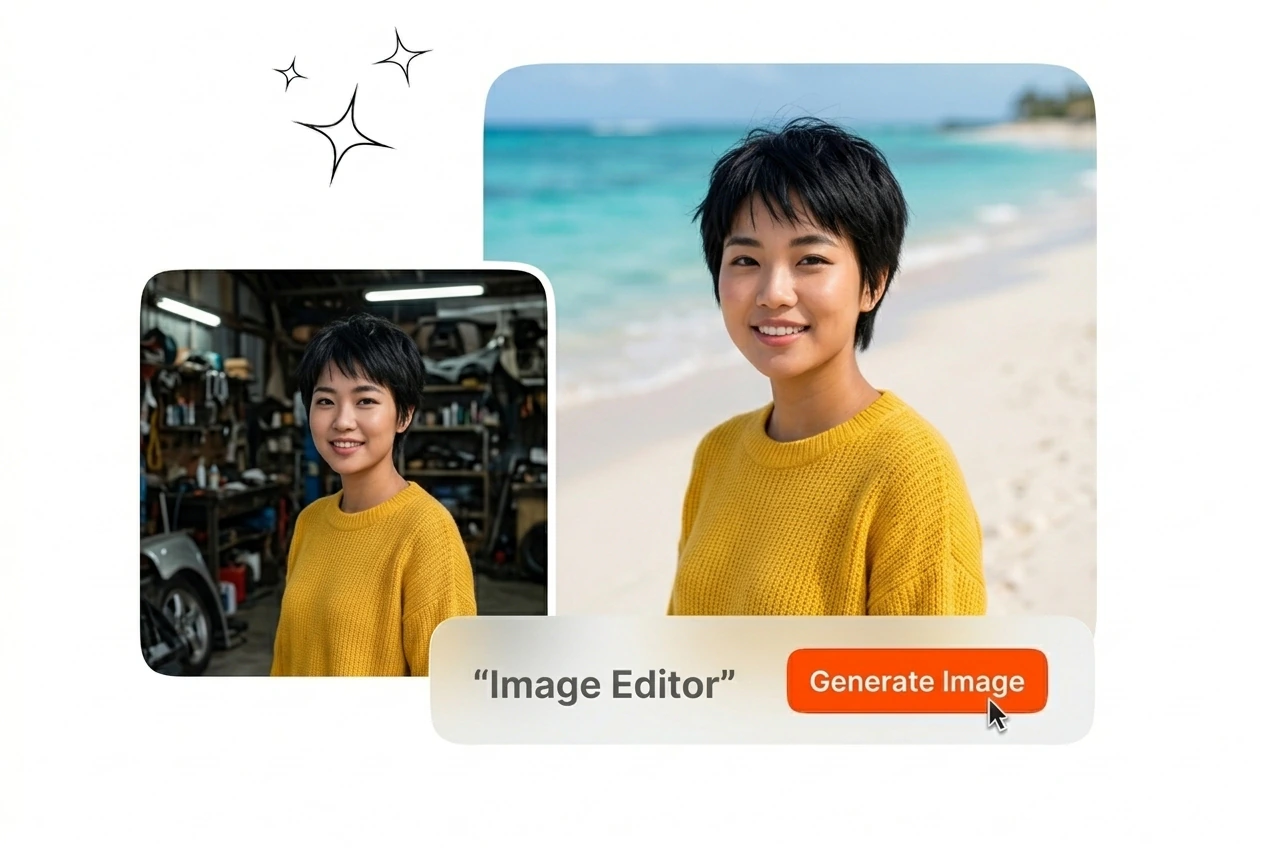
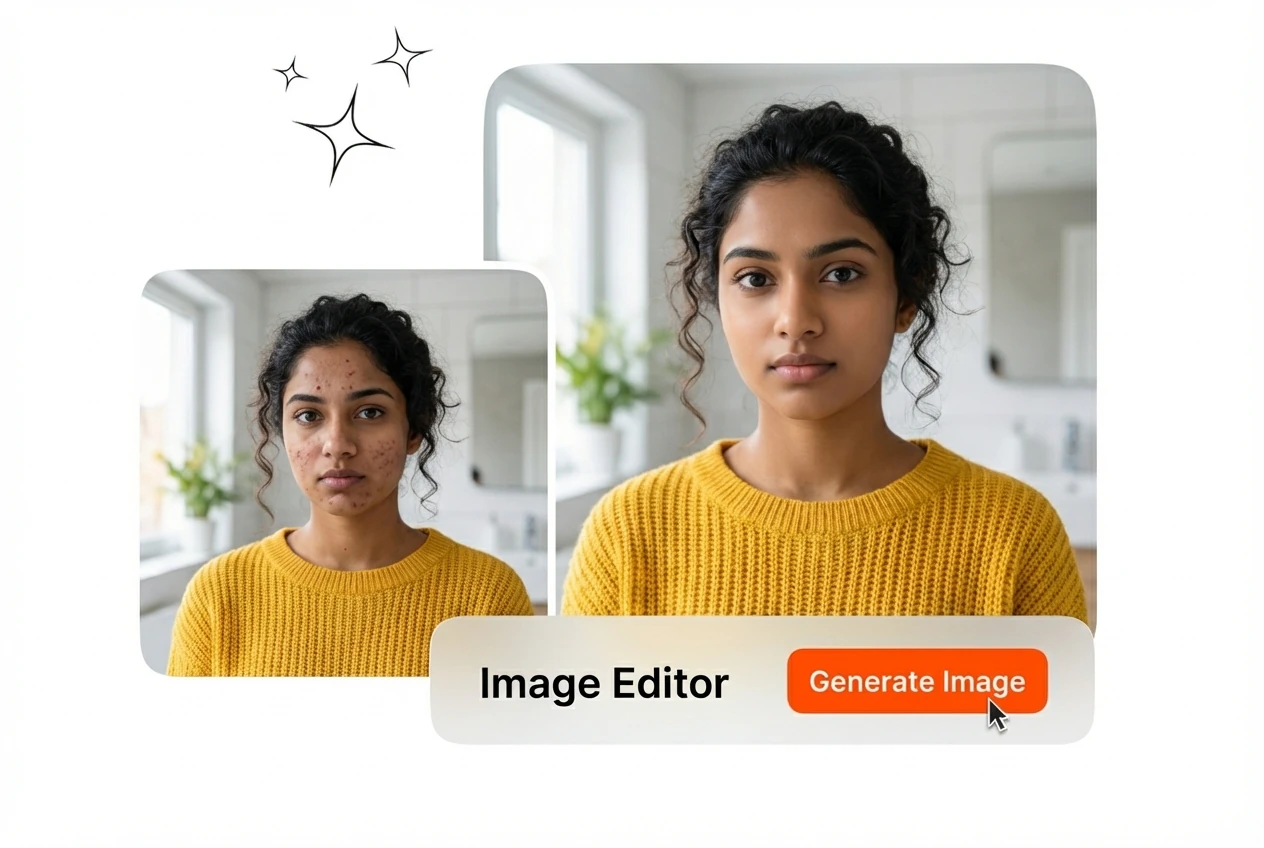
Các lĩnh vực khác nhau yêu cầu những điều chỉnh hình ảnh cụ thể. Trình sửa ảnh này cung cấp khả năng kiểm soát chính xác đối với kiểu chữ, thay thế phông nền và bố cục tác phẩm cuối cùng.

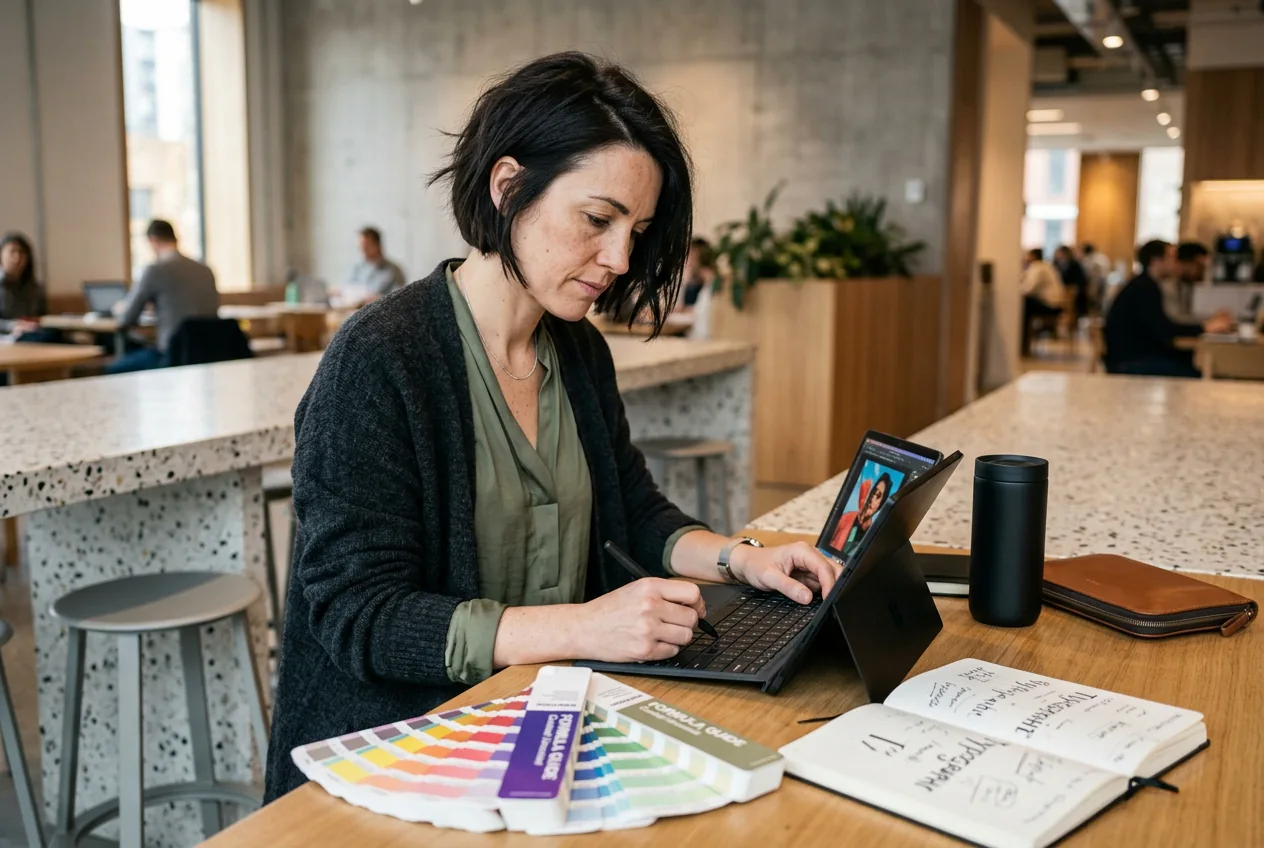
Retail manager using Image Editor for products
Quản lý Danh mục Bán lẻ

Danh sách sản phẩm đòi hỏi phông nền nhất quán và kiểu chữ rõ ràng. Bạn có thể chỉnh sửa hình ảnh để loại bỏ các chi tiết gây phân tâm và thêm thông tin giá cả. Trình sửa ảnh trực tuyến này chuẩn hóa toàn bộ phong cách hình ảnh danh mục của bạn trước khi xuất hàng loạt ở bước cuối cùng.
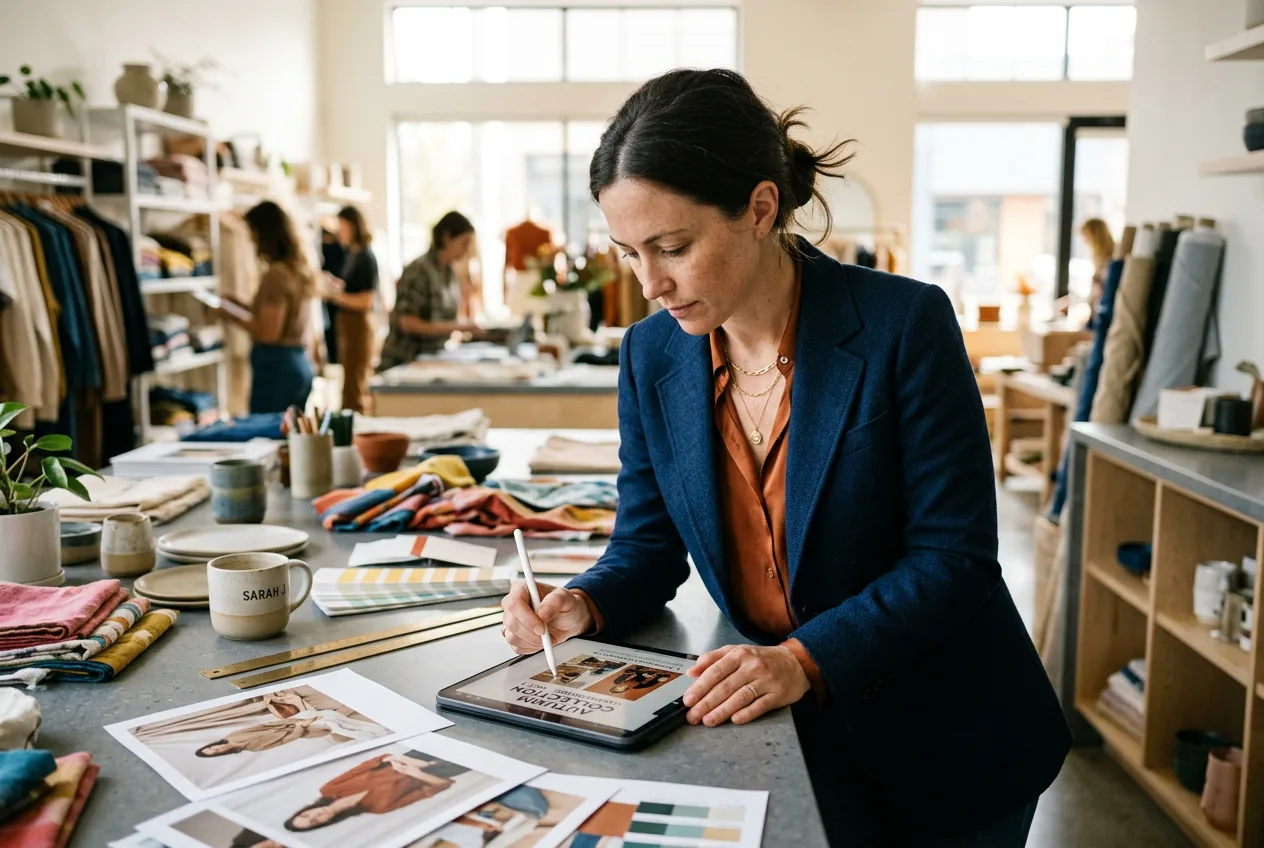
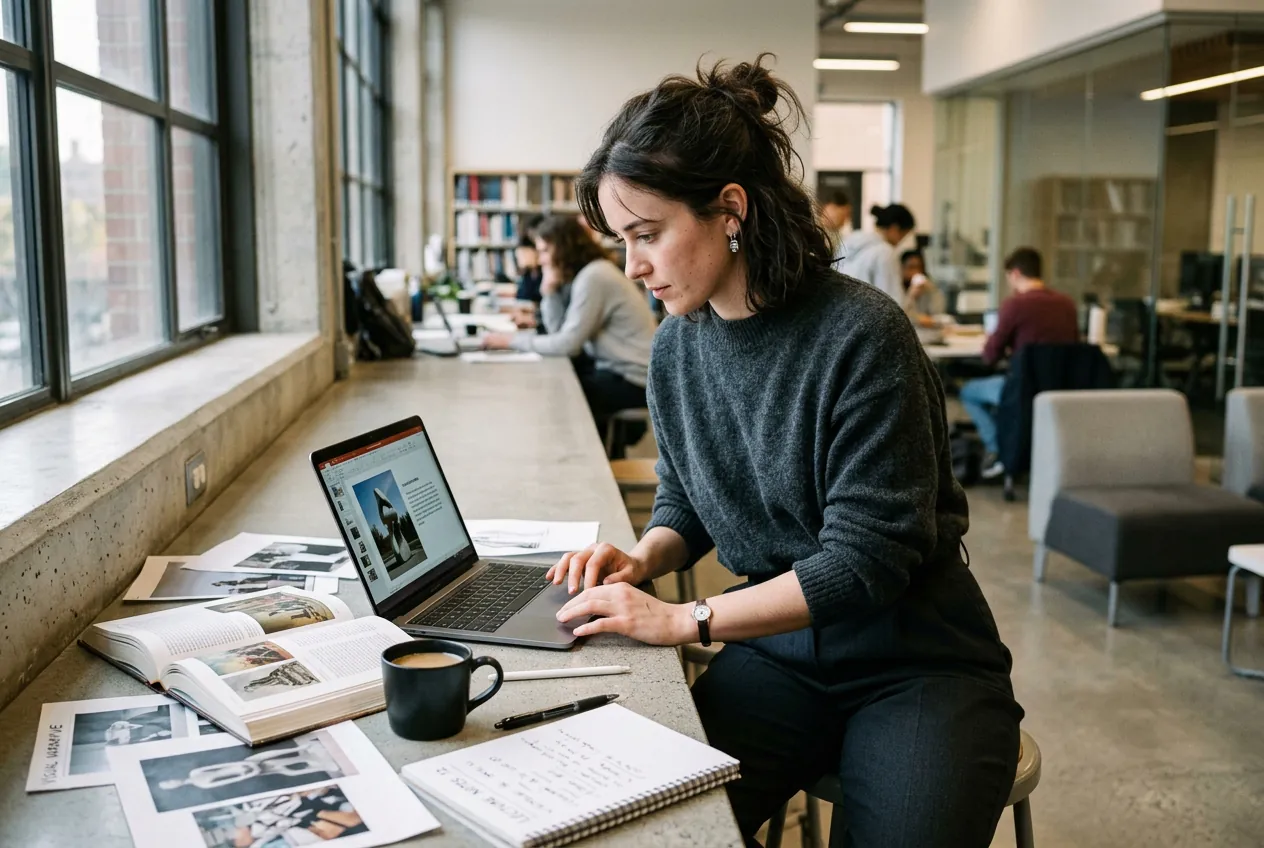
Marketer testing ads in the Image Editor
Đội ngũ Tiếp thị Hiệu suất

Các chiến dịch quảng cáo yêu cầu cập nhật hình ảnh liên tục để tránh gây nhàm chán cho khán giả. Bạn có thể chỉnh sửa văn bản trong ảnh trực tuyến để thử nghiệm các tiêu đề mới. Hệ thống tạo ra nhiều biến thể bố cục một cách nhanh chóng để đội ngũ của bạn đáp ứng các thời hạn ra mắt nghiêm ngặt.

Artist applying sketch style via Image Editor
Nghệ sĩ Thị giác Độc lập

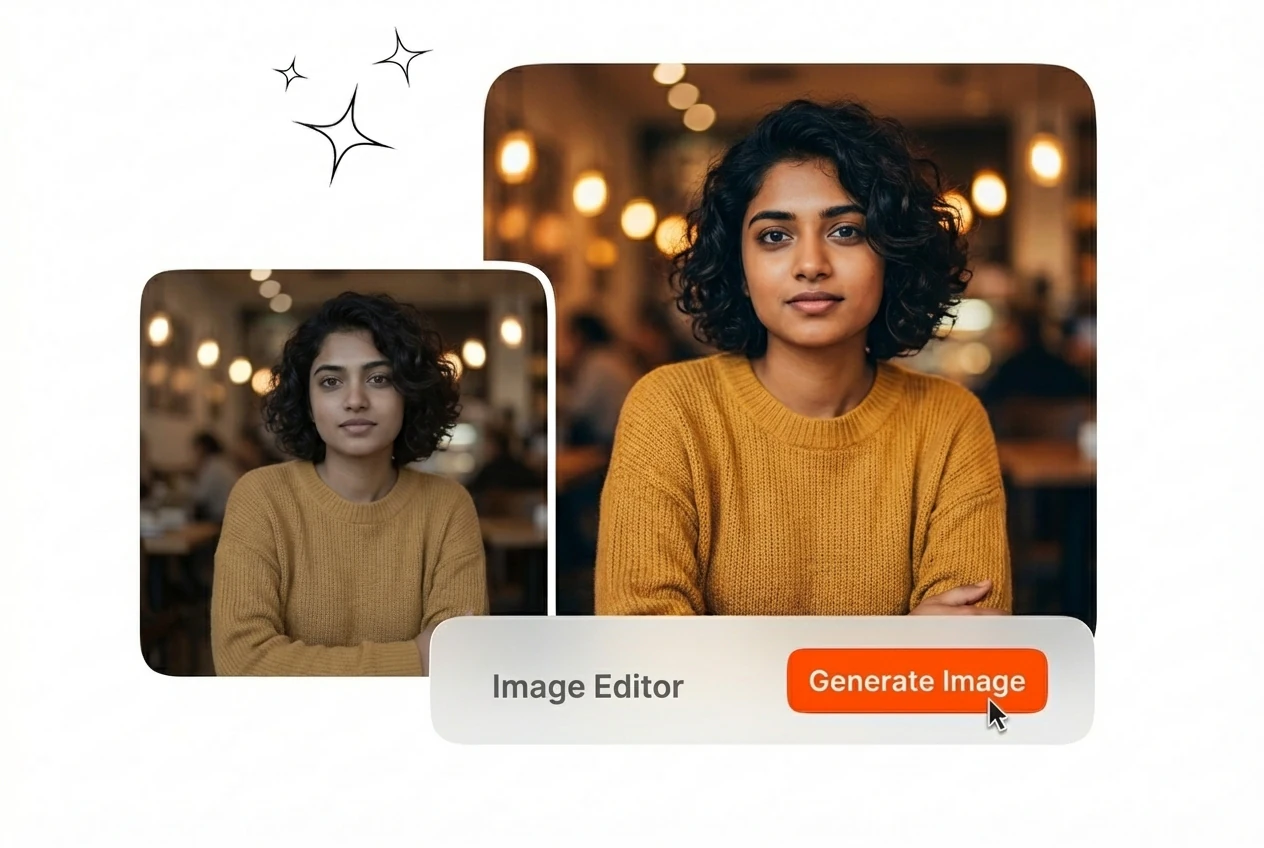
Các dự án từ khách hàng thường yêu cầu chuyển thể ảnh cá nhân thành các phong cách nghệ thuật cụ thể. Bạn tải lên một hình ảnh tham khảo và áp dụng các bộ lọc phác thảo. Trình sửa ảnh AI miễn phí này xử lý việc chuyển đổi phong cách trong khi vẫn duy trì cấu trúc chủ thể ban đầu.

Thao tác với Trình sửa ảnh chỉ trong ba bước

Giao diện ưu tiên thao tác trực tiếp thay vì các menu phức tạp. Bạn chỉ cần đưa ra các yêu cầu hình ảnh ban đầu, điều chỉnh các yếu tố thiết kế cụ thể và xuất tệp cuối cùng.

Bước 1

Điều chỉnh các yếu tố trực quan

Chọn kiểu chữ, nền hoặc các cài đặt phong cách cụ thể mà bạn cần. Bạn có thể sử dụng Trình sửa ảnh để tùy chỉnh văn bản trực tuyến với bóng đổ và đường viền tùy biến. Khung vẽ sẽ cập nhật tức thì để phản ánh chính xác các lựa chọn bố cục của bạn.

Bước 2

Xuất tệp thành phẩm

Kiểm tra lại bố cục đã hoàn thành để đảm bảo độ chính xác và căn chỉnh. Nhấp vào nút xuất để tải xuống tệp đã hoàn thiện của bạn. Quy trình tự động của Trình sửa ảnh trực tuyến miễn phí của chúng tôi luôn đảm bảo đầu ra có độ phân giải cao mọi lúc.

Bước 3

Xuất tệp thành phẩm

Kiểm tra lại bố cục đã hoàn thành để đảm bảo độ chính xác và căn chỉnh. Nhấp vào nút xuất để tải xuống tệp đã hoàn thiện của bạn. Quy trình tự động của Trình sửa ảnh trực tuyến miễn phí của chúng tôi luôn đảm bảo đầu ra có độ phân giải cao mọi lúc.

Image Editor Capabilities For Precise Control

Veme AI structures tools around specific design outcomes. You get direct access to typography formatting, background manipulation, and stylistic rendering without unnecessary software installations.

Browser based workspace in the Image Editor

Browser Based Workspace

You access the complete toolset directly through your web browser without downloading heavy software. The online Image Editor loads quickly on standard office networks. Your entire team can edit pictures online free no download required.

Typography control interface within the Image Editor

Typography And Layout Control

The interface provides dedicated tools for text placement and formatting. You can edit image text online by adjusting stroke weight, shadow depth, and curve paths. The final export maintains crisp typography across all digital platforms.

Collage assembly tools in the Image Editor

Composition And Collage Assembly

Marketing materials often require combining multiple visual assets into one cohesive frame. You arrange individual photos into structured grids for posters or social media posts. This online Image Editor aligns your elements perfectly before rendering.

Applying sketch style with the Image Editor

Reference Style Application

You can alter the fundamental aesthetic of your source file by applying specific visual filters. The AI Image Editor maps comic or sketch styles onto your reference image. The output retains your original subject composition.

Common Image Editor Questions

Can I use this tool without installing software?

Sure, the entire workspace operates directly within your standard web browser. You need a stable internet connection to load assets and render the final files. This setup helps remote teams edit pictures online without IT approval.

Does the system support custom typography formatting?

Absolutely, you have full control over text placement, stroke thickness, and shadow effects. Complex curved text requires careful alignment within the canvas boundaries. Marketers use this feature to edit text in images online for localized ad campaigns.

Can I apply artistic styles to my own photos?

Yes, you can upload a personal reference image and select a specific aesthetic filter. High contrast source files produce the most accurate sketch or comic conversions. Independent creators rely on this best free Image Editor for quick stylistic iterations.

Is it possible to replace the background of an image?

No problem, the tool isolates your main subject and allows you to swap the background layer. Subjects with clear edges yield the cleanest separation results. E-commerce managers use this free AI Image Editor function to standardize product catalog photos.

What resolution can I expect for the final export?

The system renders your finished composition at the resolution of your original source files. Extremely low-quality reference images will limit the final output clarity. Professionals use this 4K Image Editor online to maintain strict quality standards for print.

Bắt đầu sử dụng Trình sửa ảnh ngay hôm nay

Thiết lập thông số hình ảnh một lần và xuất các tài nguyên nhất quán. Mở không gian làm việc để điều chỉnh kiểu chữ, áp dụng phong cách và kết xuất bản thiết kế cuối cùng của bạn.